
This is a JVC GR-DVP7 / GR-DVP5 digital camcorder instruction manual
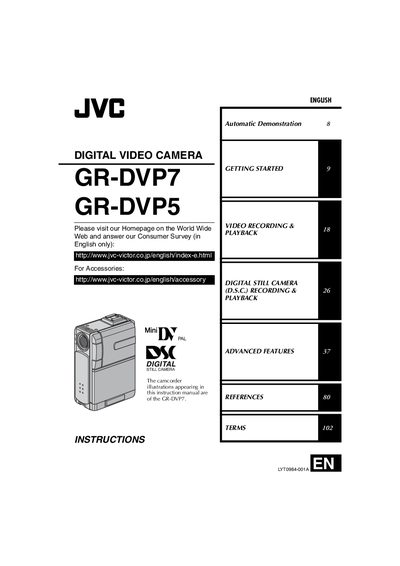
This manual introduces safety precautions, basic and advanced operation, and handling guidelines for the JVC GR-DVP7 and GR-DVP5 camcorders. It covers topics such as getting started, safety warnings, and advanced features.
The guide also details provided accessories, battery and memory‑card usage, how to attach the grip belt and strap, and explains the Automatic Demonstration mode along with other menu functions.
| Battery pack | BN-V107U / BN-V114U |
|---|---|
| Memory card compatibility | Mini DV cassette, SD Memory Card, MultiMediaCard |
| Power adapter | Multi‑voltage AC Power Adapter/Charger |
Use JVC BN‑V107U or BN‑V114U battery packs.
Thread one end of the strap through the eyelet, pass the other end through the loop, attach the screw to the tripod mounting socket and tighten.