
This document introduces the features and characteristics of IBM ThinkPad G40 notebook, including high-speed CPU, 512MB memory, 15-inch large screen LCD, full keyboard, and multiple interfaces.
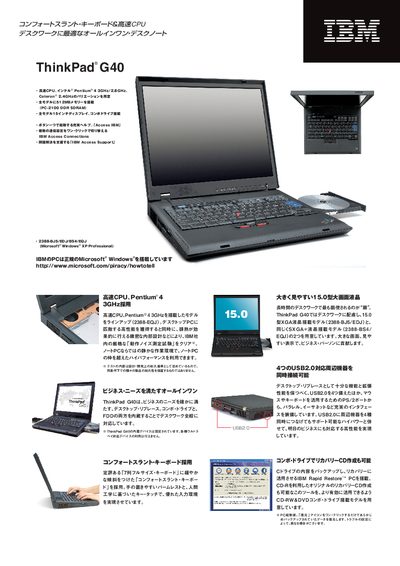
This manual describes the ThinkPad G40 notebook, its high‑performance Pentium 4 or Celeron CPUs, 15‑inch XGA or SXGA+ displays, and the range of built‑in interfaces such as four USB 2.0 ports, PS/2, parallel, Ethernet and optional wireless LAN. It also explains the bundled software, including Windows XP Professional and IBM utilities for backup, connectivity and system management.
The document includes a detailed options list, specifications table, warranty information and contact details for IBM support in Japan, helping users configure, upgrade and maintain their ThinkPad G40. This manual is written in Japanese.
| Processor | Intel Pentium 4 3 GHz or Celeron 2.4 GHz |
|---|---|
| Memory | 512 MB PC‑2100 DDR SDRAM (upgradeable) |
| USB Ports | Four USB 2.0 ports |
The ThinkPad G40 provides four USB 2.0 ports for peripheral connections.
Certain models include an optional 802.11b wireless LAN CardBus adapter.