
This document introduces the features and characteristics of IBM ThinkPad G40 series laptops. The series is equipped with a high-speed CPU and a large LCD screen, making it suitable for long hours of office work. It has multiple USB ports and a combo drive for backup and recovery. The keyboard adopts ergonomic design, providing a comfortable input environment.
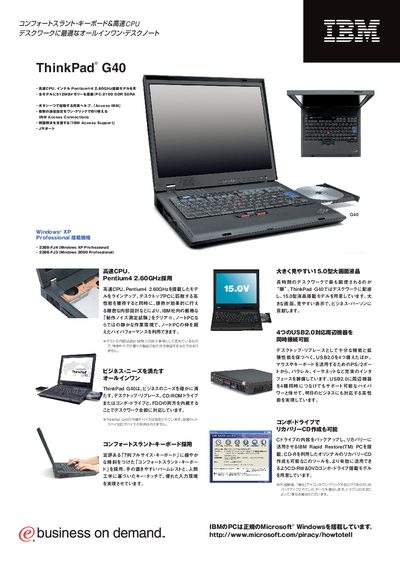
This manual describes the ThinkPad G40 notebook, featuring a 15.0‑inch TFT LCD, Intel Pentium 4 2.60 GHz processor, 512 MB PC‑2100 DDR SDRAM, and four USB 2.0 ports. It also outlines the built‑in CD‑RW/DVD combo drive, optional accessories, and pre‑installed software such as Windows XP Professional.
Additional sections cover recovery options with IBM Rapid Restore, warranty information, and contact details for IBM support in Japan. This manual is written in Japanese.
| Memory | 512 MB PC‑2100 DDR SDRAM |
|---|---|
| Hard Disk | 30 GB, 4200 rpm |
| USB Ports | 4 × USB 2.0 |
| Optical Drive | CD‑RW/DVD combo drive |
| Operating System | Windows XP Professional |
The ThinkPad G40 provides four USB 2.0 ports for peripheral connections.
Windows XP Professional is pre‑installed on the device.