
This manual describes how to use this unit, including preparation for use, names and controls, general functions, tuner mode, iPod mode and AUX-IN mode.
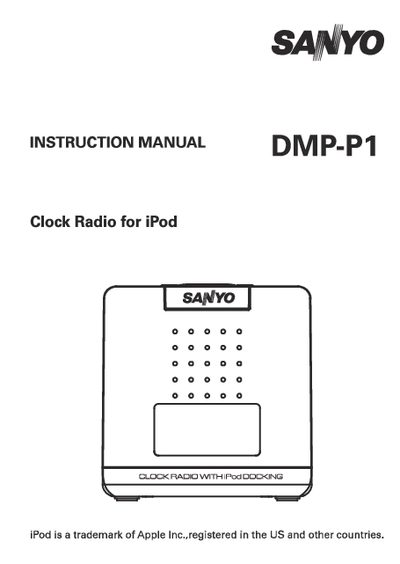
This manual covers important safety instructions, preparation steps, and detailed descriptions of the controls and functions of the Sanyo DMP-P1 clock radio with iPod docking. It explains how to install the unit, connect the AC adaptor, insert batteries, and set up the FM antenna, as well as precautions for cleaning and maintenance.
The document also includes technical information such as power requirements, battery specifications, and troubleshooting tips. Users are guided on proper handling, ventilation, and environmental considerations to ensure reliable operation and longevity of the device.
| Power Supply | 230V 50Hz AC |
|---|
Use the supplied AC adaptor and connect it to a 230V 50Hz AC outlet; do not use any other power source.
Unplug the unit from the power source and clean it with a dry cloth only; never use water or liquids.
No, the unit must not be exposed to water, moisture, or humid conditions to avoid fire or shock hazards.