
This document describes how to use and take care of SyncMaster 204T monitor, including installation, power connection, usage environment, cleaning, etc.
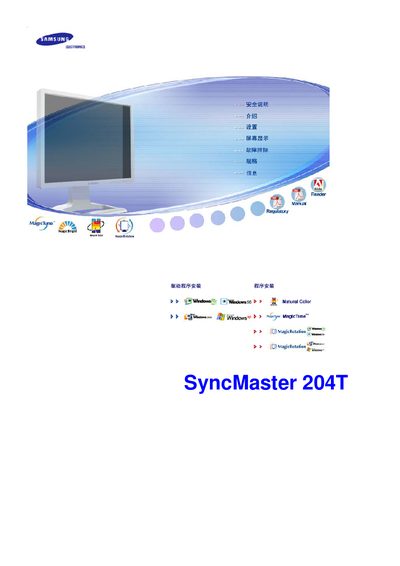
This manual explains how to install the SyncMaster 204T safely, including grounding, proper placement, and wall‑mount requirements. It also covers cleaning procedures, recommended detergents, and precautions to avoid electric shock or fire.
The guide details the on‑screen display (OSD) controls, button functions, and how to adjust resolution, refresh rate, and other display settings. Technical specifications such as screen size, resolution, and refresh rate are listed, along with advice on preventing image retention. This manual is written in Chinese.
| Screen size | 20 inches |
|---|---|
| Resolution | 1600 x 1200 |
| Vertical refresh rate | 60 Hz |
Use a slightly damp soft cloth with a mild detergent; do not spray liquid directly on the screen and avoid harsh chemicals.
Run a screen‑saver or power‑off the monitor after periods of static images, and avoid displaying high‑contrast static content for long times.