
SGH-F258 phone user manual, introduces the safe use of the phone, accessory introduction, phone parts diagram, buttons and icons, use of the function table, text input, setting the phone according to needs, using optional storage cards and other content
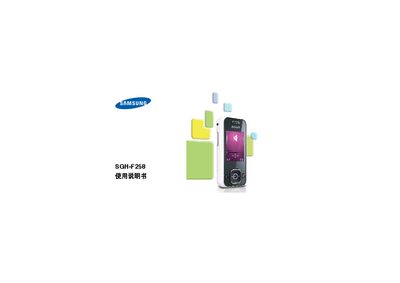
This user manual covers the Samsung SGH-F258 mobile phone. It includes important safety measures, such as turning off the phone while driving, refueling, or on aircraft, and keeping the phone dry because it is not waterproof.
The guide explains initial setup, phone parts, keys and icons, menu use, text input, calls, camera, music player, FM radio, web browsing, phonebook, messaging, Bluetooth, and health and safety information. This manual is written in Chinese.
Slide open the phone cover and press and hold the power key; enter the PIN code if necessary and press < Confirm >.
No. This phone is not waterproof, so keep it dry.
The phone may come with a handset, travel charger, battery, and user manual.
Use only Samsung dedicated batteries and accessories.