
This document is an instruction manual for the installation of SyncMaster 713N driver and program. It includes installation precautions, usage precautions, and cleaning methods. Users are reminded to contact authorized service centers for proper installation to avoid damage to the monitor. It also introduces the installation environment requirements and placement requirements of the product.
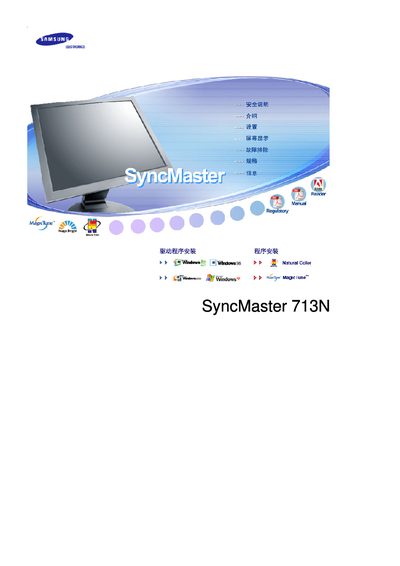
This manual covers safety precautions and proper installation of the SyncMaster 713N monitor, including grounding requirements, mounting instructions, and cleaning procedures. It also warns against improper handling that could cause electric shock or fire.
The guide explains how to operate the monitor using the OSD menu, MagicTune software, and energy‑saving features. Additional sections address image‑retention prevention, quick‑start steps, and environmental recycling information. This manual is written in Chinese.
| Display size | 17 inches |
|---|---|
| Resolution | 1280 × 1024 |
Unplug the monitor, then wipe the case and screen with a slightly damp soft‑fiber cloth using a mild detergent; do not spray liquid directly onto the screen.
Use a properly grounded plug and outlet, never touch the plug with wet hands, ensure the plug is securely inserted, and keep the monitor away from flammable materials.