
Key facts
Start here
Founder Scanner Series User Manual
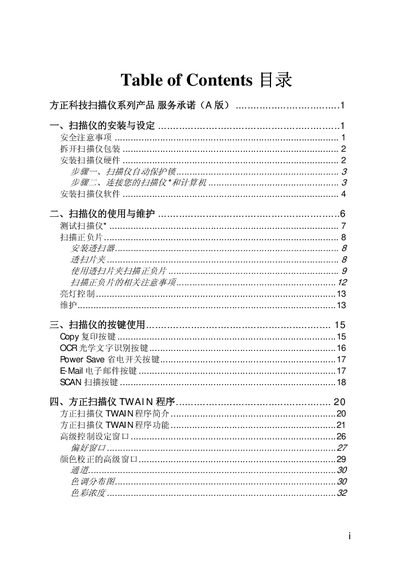
This manual covers safety precautions, hardware installation, and software configuration for Founder scanners. It explains how to unpack the unit, connect the hardware, install drivers, and use the built‑in functions such as copy, OCR, power‑save, e‑mail, and scanning.
The document also describes the Founderscan TWAIN program, color‑correction settings, and detailed specifications of the scanner models (U200, U430, U1S0). Warranty information and service procedures are included in the later sections. This manual is written in Chinese.
FOUNDER U200 specifications
| CPU | Intel A110 800 MHz |
|---|---|
| Chipset | Intel 945GU & ICH7‑U |
| Memory | Integrated 1 GB |
| Display | 12.1" TFT LCD, 1280×800 WXGA |
| Hard Disk | 1.8" PATA interface |
| Audio I/O | Audio output jack and microphone jack |
All FOUNDER U200 documents by type
Day-to-day operation, settings and troubleshooting. Start here if the product is already set up.
Questions answered in these manuals
What should I do if the battery cannot be charged?
If the battery does not charge or the indicator light is off, take the notebook to an authorized service center for battery testing and possible replacement.
How can I extend the battery life?
Lower the screen brightness, disable wireless/Bluetooth when not needed, and follow proper charging cycles (first charge >15 h, subsequent charges >12 h) to maximize battery runtime.