
This is the user manual of South Star GPSmile53B car navigation, which includes product features and usage methods.
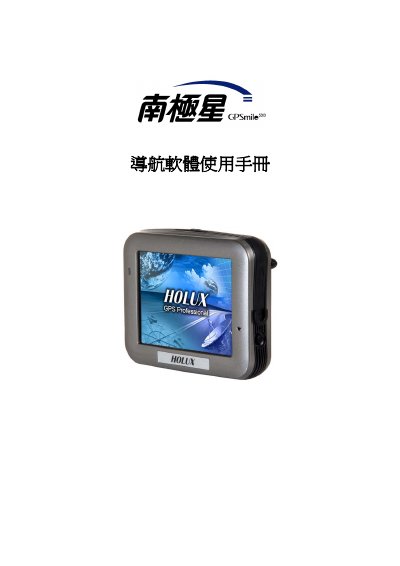
This manual covers the Southstar GPSmile 53B navigation software, including map software updates and upgrades, navigation function operation, map display, and handwriting input. It also reminds users to observe safety precautions and back up data.
The document includes battery safety warnings for the built-in lithium battery and lists technical support and maintenance service contact information, including the website www.guidetek.com.tw and email [email protected]. This manual is written in Chinese.
| Map zoom levels | 10 levels |
|---|---|
| First GPS fix time | within 5 minutes |
| Voice languages | 4 languages |
| Battery type | built-in lithium battery |
Confirm the SD card is inserted, press the power button on the right side of the unit for two seconds, tap [Navigation], then open System Settings and select [GPS Status].
Visit www.guidetek.com.tw to check the FAQ, or email [email protected] if you cannot find an answer.