
PMD O1D155 Photoelectric Distance Measuring Sensor is a non-contact distance measuring sensor with a measuring distance of 0.3-6m. The detection distance is 200x200mm white paper with a reflection rate of 90%.
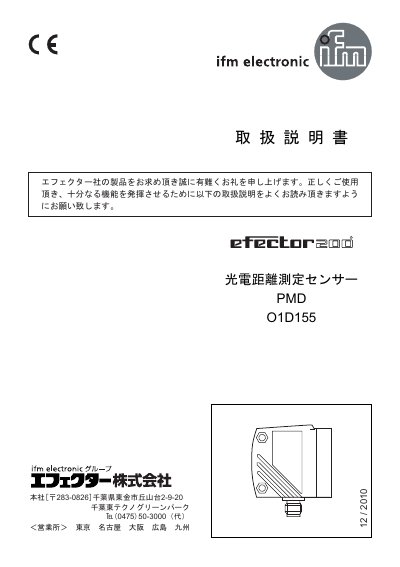
The ifm O1D155 is a photoelectric distance sensor that measures distance without contact. It detects objects from 0.3 to 6 m using a 200 x 200 mm white target with 90 % reflectance, and shows the measured distance on a 10-segment LED display.
Two outputs can be configured as hysteresis or window mode, normally open or normally closed, with output 2 also usable as a 4 to 20 mA or 0 to 10 V analog output. The visible laser class 1 sensor includes operating modes, parameter setting, connection instructions, and technical data. This manual is written in Japanese.
| Detection distance | 0.3...6 m (200 x 200 mm white, 90 % reflectance) |
|---|---|
| Laser class | Class 1 visible laser |
| Outputs | 2 x PNP or 1 x PNP / 1 x analog |
| Analog output signal | 4...20 mA or 0...10 V |
| Laser diode service life | 50,000 h |
| Minimum measurement range | 100 mm (0.1 m) |
It is 0.3 to 6 m for a 200 x 200 mm white target with 90 % reflectance.
It uses a visible laser of protection class 1.
Two PNP outputs, or one PNP output plus one analog output.
Hold Mode/Enter and Set together until Loc appears to lock, or until uLoc appears to unlock.