
This is a Chinese manual that introduces the operating instructions of the FR-1 display of DD2001, DD2003, DD2004, DD2103, and DD2104 models.
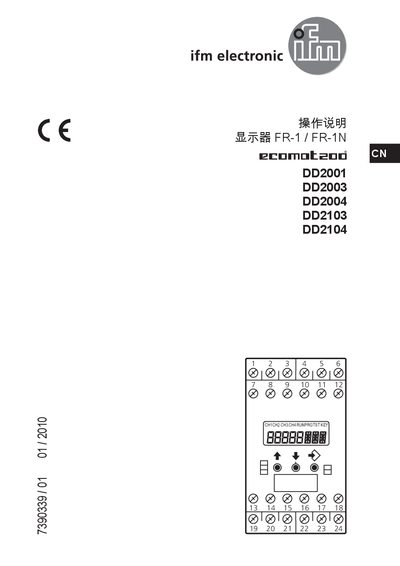
This manual provides safety guidelines, functional descriptions, and operating procedures for the IFM FR-1/FR-1N series displays. It explains the display's features, LED indicators, and the different operating modes (RUN, PRG, TST) that can be selected via the KEY button.
The document also details installation steps, wiring connections, power supply requirements, parameter settings, and maintenance advice. Technical specifications such as output current, voltage, accuracy, temperature range, and dimensions are listed, along with repair and service information. This manual is written in Chinese.
| Maximum output current (Out1/2) | 15 mA |
|---|---|
| Maximum altitude | 2000 m |
| Dimensions (H×W×D) | 78 × 45 × 120 mm |
| Weight | 490 g |
| IP rating | IP20 |
Press the KEY button to cycle through RUN (normal operation), PRG (parameter setting), and TST (test) modes as described in the manual.
LED In1 (yellow) shows input status, LED Err signals an error condition, and LED Out1 (green) indicates the output status of the device.