
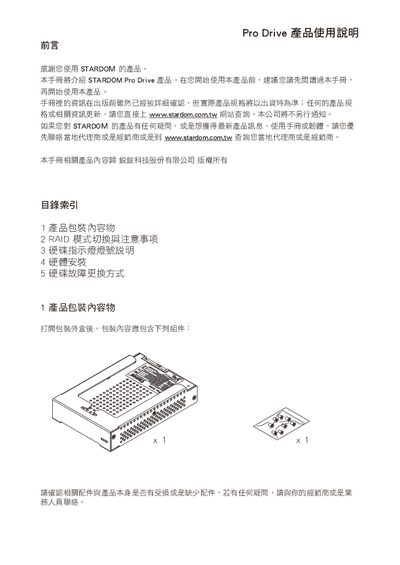
The Stardom Pro Drive user manual provides step‑by‑step instructions for unpacking, installing the drive into a Mac Pro, and configuring the RAID mode. It includes safety notes, recommended drive capacity, and guidance on selecting RAID 0 or RAID 1 before first use.
The guide also describes the meaning of the blue‑red LED indicators, the process for rebuilding data after a failure, and detailed procedures for removing a faulty drive and installing a new one in both RAID 0 and RAID 1 configurations. This manual is written in Chinese.
| Default RAID mode | RAID 1 |
|---|
When the LEDs alternate blue and red, it signals that a drive has failed and data rebuilding will start; solid colors indicate normal operation.