
The SA3214/15/16/24/25/26/44/45/46 is a video audio player that supports music, images, text, videos and radio functions.
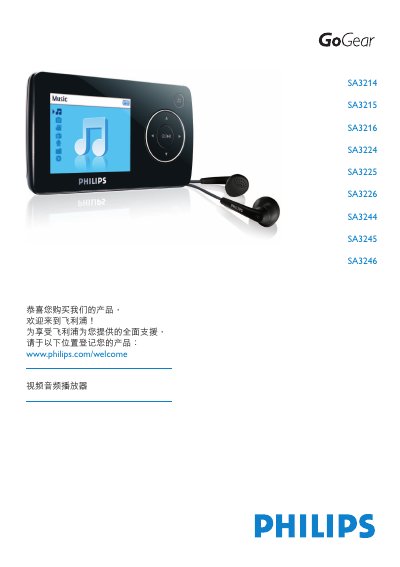
This manual covers the Philips Video Audio Player models SA3214‑SA3246, a portable device that plays video, audio files, displays photos, reads text, and includes FM radio and voice recording functions. It guides users through registration, safety precautions, and initial setup.
Key sections include safety information, product contents and registration, charging and USB connection, transferring music, photos, and videos, using the radio and recording features, customizing settings, firmware updates, technical data, and a FAQ for common issues. This manual is written in Chinese.
| Full charge time | 4 hours |
|---|---|
| 80% charge time | 2 hours |
| Supported audio formats | MP3, WMA (non‑DRM) |
| PC system requirements for media transfer | Windows 2000/XP/Vista, Pentium III 800 MHz, 128 MB RAM, 500 MB HDD |
It takes about 4 hours to charge the battery to 100 %.
The player supports MP3 and non‑DRM WMA files.
Install Philips Device Manager from the supplied CD or download it from the Philips support website, then follow the on‑screen instructions.
Insert a pin or similar object into the reset hole on the bottom of the player and hold until it powers off; the content will not be deleted.