
This document is about the installation guide of a printer. It introduces the printer parts, installation, preparation for printing and installation of optional parts.
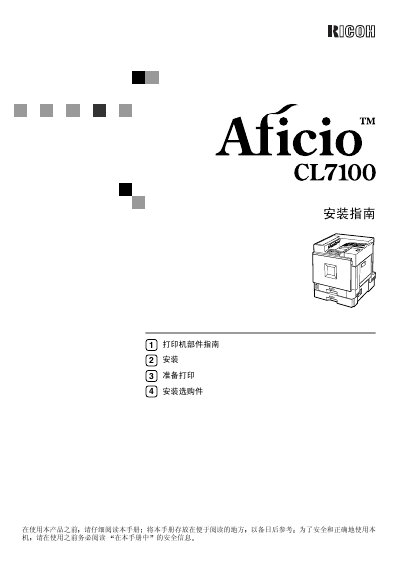
This manual provides instructions for the installation and initial setup of the Ricoh Aficio CL7100 printer. It includes critical safety information regarding power connections, laser safety, and handling of high-temperature components to prevent injury or equipment damage.
The guide details the environmental conditions required for optimal operation, including specific temperature and humidity ranges, and lists locations where the printer should not be placed. It also outlines the necessary power specifications for the device. This manual is written in Chinese.
The power supply requires 220 - 240 V 50/60 Hz.
The voltage rating for optional accessory connectors is DC 24 V.
The default time is 60 minutes.
The printer should be placed with a tilt of no more than 5 mm (0.2 inches).