
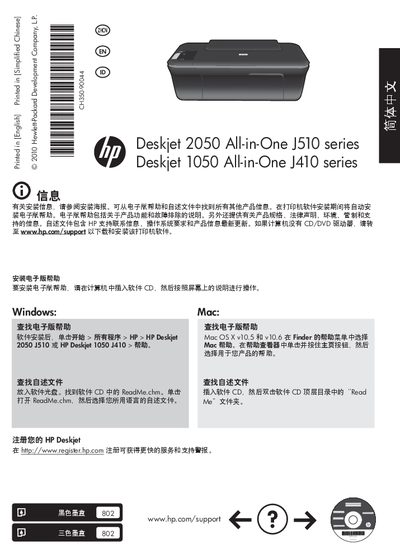
This user manual covers the HP Deskjet 2050 All-in-One J510 and HP Deskjet 1050 All-in-One J410 printers. It explains where to find setup information, electronic Help, and Readme files, and how to register the product.
The document also lists power specifications and cartridge numbers, describes the control panel buttons and indicator lights, and provides installation troubleshooting steps for Windows and Mac computers. This manual is written in Chinese.
| Power adapter | 0957-2286 |
|---|---|
| Input voltage | 100-240 Vac (+/- 10%) |
| Input frequency | 50/60 Hz (+/- 3Hz) |
| Power adapter | 0957-2290 |
| Input voltage | 200-240 Vac (+/- 10%) |
After software installation, click Start > All Programs > HP > HP Deskjet 2050 J510 or HP Deskjet 1050 J410 > Help.
Insert the software CD, locate ReadMe.chm, and select the ReadMe file in your language.
Make sure the pink tape has been removed from the cartridge.
From the Windows Start menu, click Devices and Printers.