
This document is a help manual for the HP Photosmart A520 series printer. The manual includes guides on getting started, paper overview, printing without a computer, printing from a computer, maintenance, troubleshooting, ordering ink supplies, HP support and warranty, technical specifications, and specifications and environmental information.
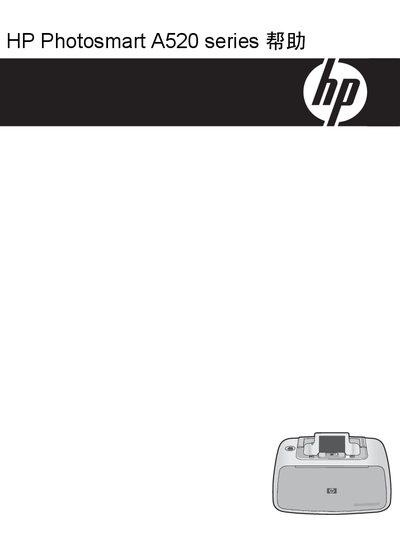
This manual guides users through getting started with the HP Photosmart A520 Series printer, covering basic operations, paper handling, and printing without a computer. It also explains how to use the printer from a computer, including software installation and print settings.
Later sections cover maintenance tasks such as ink cartridge calibration, cleaning, and troubleshooting common issues, as well as ordering supplies, warranty information, technical specifications, and regulatory compliance details. This manual is written in Chinese.
| Operating System | Windows XP Home, XP Professional, x64 Edition, Vista |
|---|---|
| Processor | Intel Pentium II, Celeron or compatible, 233 MHz (Pentium III recommended 300 MHz+) |
| RAM | 128 MB (256 MB recommended) |
| Display | SVGA 800 × 600, 16‑bit color (32‑bit recommended) |
| USB Interface | Available USB port and cable |
| Supported Media Type | HP Advanced Photo Paper (recommended) |
| Media Size | 10 × 15 cm (4 × 6 in) photo paper tray |
Select the “Print – borderless” option in the print shortcut tab and choose the appropriate paper type and size.
The manual lists the supported storage cards on page 17; any card listed there can be used for direct printing.
Open the “Help” section and choose “Download printer software update” to obtain the latest drivers and firmware.