
StoreJet® 18 mobile user manual, introduces the features and characteristics of the product, including product introduction, package contents, product features, system requirements, safety precautions, general use, data backup, carrying precautions, power supply, reminder, product overview, driver installation, connecting StoreJet® 18 mobile to the computer, safely removing StoreJet® 18 mobile, formatting the hard disk, troubleshooting, product specifications, ordering information, recycling and environmental protection, warranty terms
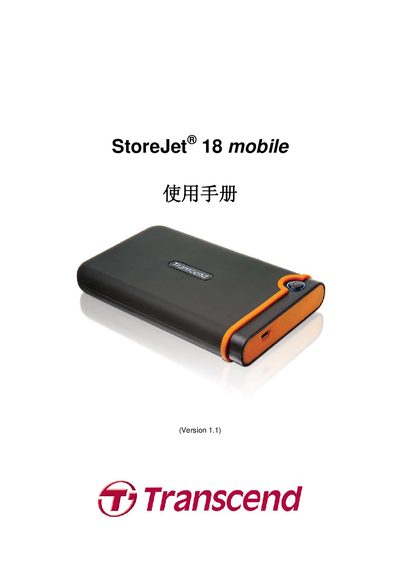
This manual introduces the StoreJet 18 mobile external hard drive, its packaging contents, key features, system requirements, and safety precautions. It explains how to connect the drive to a computer, install drivers on Windows, macOS, and Linux, and use the One‑Touch backup button.
The guide also covers data backup recommendations, power considerations, formatting instructions, troubleshooting tips, product specifications, ordering information, recycling, and warranty terms. All steps are illustrated with diagrams and clear warnings to ensure reliable operation. This manual is written in Chinese.
| Dimensions (L × W × H) | 98.7 mm × 65.7 mm × 17.45 mm |
|---|---|
| Weight | 120 g (max) |
| Storage Media | 1.8‑inch ZIF hard disk |
| Power Supply | USB 5 V DC |
| Maximum Transfer Rate | 480 Mbits/s |
| Operating Temperature | 5 °C – 55 °C |
| Certifications | CE, FCC, BSMI |
| Warranty Period | 2 years |
| Capacity (example) | 120 GB |
No driver installation is required; Windows automatically installs the necessary driver when the drive is connected.
The drive supports up to 480 Mbits per second, matching the USB 2.0 high‑speed specification.
Follow the safety removal steps described in the manual, using the operating system’s safe‑remove feature before unplugging the USB cable.
The device is rated for operation between 5 °C and 55 °C.