
StoreJet® 18 mobile User Manual, introduces the features and characteristics of the product, including product appearance, installing the driver, connecting to the computer, safely removing, formatting the hard disk, etc.
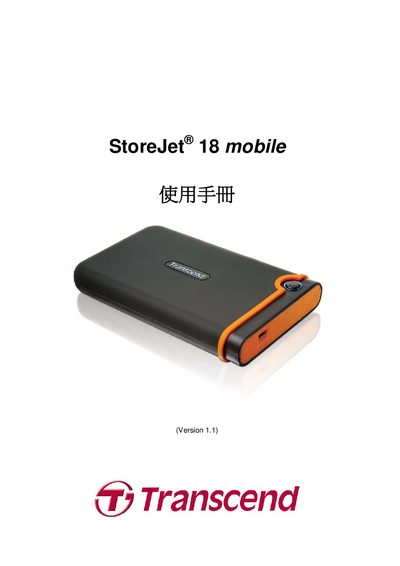
This manual introduces the StoreJet 18 mobile portable external hard drive, its high‑speed USB 2.0 interface, large storage capacity and OneTouch automatic backup function. It lists the package contents, system requirements for Windows, Mac and Linux, and safety precautions for handling the device.
Detailed instructions cover driver‑less installation, connecting the device with the supplied Mini‑USB to USB‑A/Y cable, safe removal, formatting, data backup, and troubleshooting. The final sections provide product specifications, ordering information, recycling guidelines and warranty terms. This manual is written in Chinese.
| Dimensions (L × W × H) | 98.7 mm × 65.7 mm × 17.45 mm |
|---|---|
| Storage media | 1.8‑inch ZIF hard‑disk |
| Certifications | CE, FCC, BSMI |
No driver installation is required; Windows already includes support for the device and will install the necessary files automatically.
The built‑in hard drive is pre‑formatted with the FAT32 file system.
Linux does not support NTFS; you need to format the drive to FAT32 before use.