
This document provides important instructions and warnings for the use of the PUB. DIC-103 2 product, including not opening the casing, avoiding exposure to rain or moisture, and using recommended accessories and unplugging the power plug when not in use. It also introduces the features and functions of the camera, such as the recording and shooting mode, special scene shooting program, pre-recording function, and video snapshot.
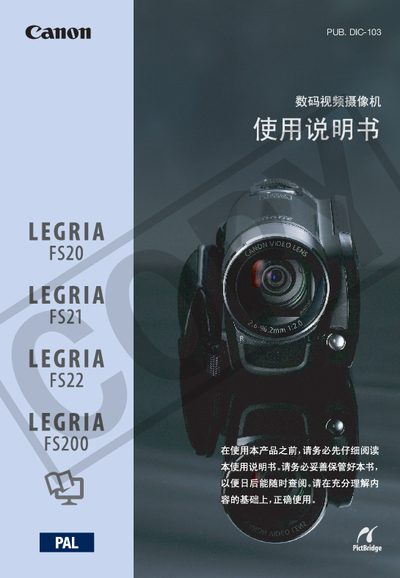
This manual covers the basic operation of the Canon LEGRIA FS20/FS21/FS22/FS200 camcorder series, including how to charge the battery, set up the wireless remote, adjust the LCD screen, and use the various recording modes. It also describes the included accessories, such as the CA‑570 power adapter, BP‑808 battery, and the optional DVD‑R burner.
Detailed sections explain menu navigation, image and audio settings, storage media handling, and advanced functions like pre‑record, video snapshot, and special scene programs. A troubleshooting chapter lists common error messages and recommended solutions. This manual is written in Chinese.
| Supported Memory Cards | SD and SDHC |
|---|---|
| LCD Screen Size | 2.7‑inch TFT color |
| Image Sensor | 1/6‑inch CCD, approx 1,070,000 pixels |
| Video Compression | MPEG‑2 |
| Audio Compression | Dolby Digital (AC‑3) 2‑channel |
| Maximum Recording Time (XP mode, 32 GB internal) | 7 h 20 min |
| Microphone Type | Stereo electret capacitor |
Approximately 7 hours 20 minutes of XP‑mode recording.
The LCD is a 2.7‑inch TFT color display.
A stereo electret capacitor microphone is built in.