
This manual describes how to use the Canon L120 fax machine, including fax functions, copy functions, printing functions, etc.
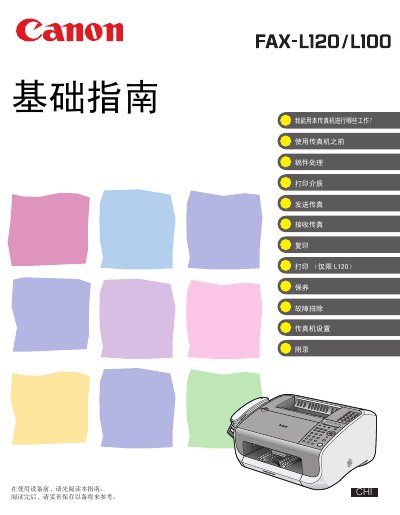
This manual covers the basic functions of the Canon FAX‑L120/L100 series, including how to start the machine, load documents, and use the printing and faxing features. It also explains the control panel layout, LCD indicators, and the steps required before first use.
Additional sections provide detailed maintenance procedures, troubleshooting tips, and guidance on installing the required Adobe Reader to view the PDF. Contact information for Canon China and service centers is included at the end of the document. This manual is written in Chinese.
Yes, the PDF requires Adobe Reader or Adobe Acrobat Reader to be installed.
Canon China's address, phone numbers and website are listed at the end of the manual.