
This document is a quick start guide for the remote control MC147, which introduces the appearance of the remote control, instructions for use, steps for playing discs, and setting the clock.
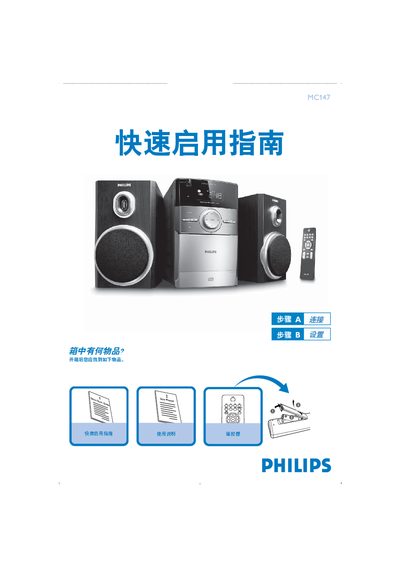
This Quick Start Guide helps you get the Philips MC147 remote up and running quickly. It lists the items included in the box, explains how to connect the power cable and speaker cables, and provides basic operation steps.
The guide also covers CD playback, clock setting, and remote‑control usage notes, and points you to the full user manual for more detailed functions. This manual is written in Japanese.
The box contains the MC147 remote, a power cable, speaker cables, and an FM aerial.
Press the CLOCK/DISPLAY button for 2 seconds, choose 12‑hour or 24‑hour mode with PROG, set hour and minute with the TUNING/5‑6 keys, then confirm with CLOCK/DISPLAY.
Open the CD tray, place the disc with the label side up, close the tray, then press the PLAY button; press 9 to stop.