
This special soft touch keyboard with durable printing technology will give you a long lasting comfortable feeling. The comfortable high resolution mouse with a precise 800 DPI will ensure smooth movement.
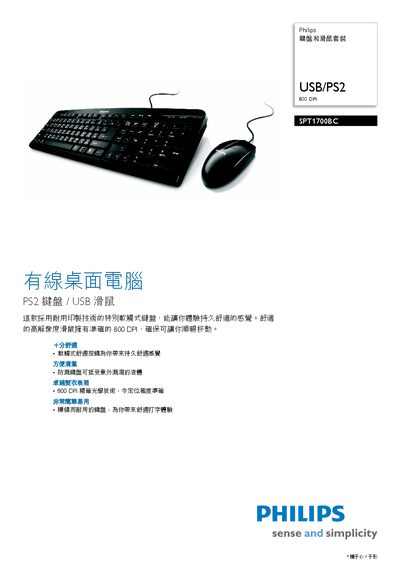
This manual covers the Philips SPT1700BC keyboard and mouse set, describing its features, dimensions, and accessories. It includes information on how to connect the devices via PS2 or USB and outlines the supported operating systems.
Key specifications such as the 800 DPI optical sensor, compatible Windows versions, and physical dimensions are listed, along with packaging details and regulatory notices. This manual is written in Chinese.
| DPI | 800 DPI |
|---|---|
| Interface | PS2, USB |
| Product Dimensions (L×W×H) | 14.2 × 43.4 × 3.2 cm |
It can be connected using either a PS2 interface or a USB interface.
The mouse provides an optical resolution of 800 DPI.