
This document is the user manual for the Philips RWSS5510 and RWSS9500 wireless rear speaker systems, providing information on how to connect the product, troubleshooting tips, and product specifications.
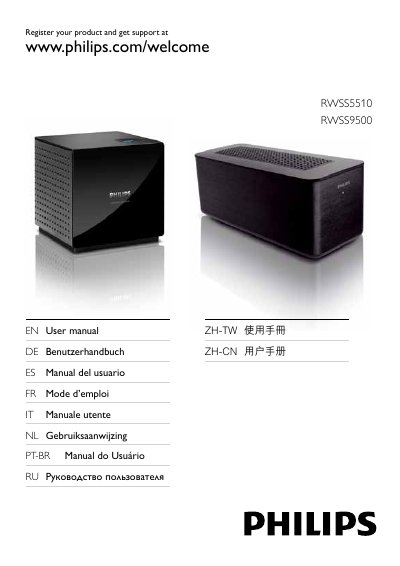
This manual explains how to safely set up the Philips RWSS5510 and RWSS9500 wireless rear audio system. It covers safety precautions, compliance information, and detailed instructions for connecting the rear speakers, wireless receiver and transmitter to a home theater.
The guide also includes product specifications for both models, troubleshooting procedures for common issues such as no sound or flashing indicator lights, and regulatory compliance details. This manual is written in Chinese.
| Power supply voltage | 110‑240 V ~50‑60 Hz |
|---|---|
| Total output power (RWSS5510) | 250 W RMS |
| Total output power (RWSS9500) | 300 W RMS |
| Power consumption (RWSS5510) | 50 W |
| Power consumption (RWSS9500) | 40 W |
| Standby power (RWSS5510) | ≤ 0.45 W |
| Standby power (RWSS9500) | ≤ 45 W |
| Frequency response | 150 Hz ~ 20 kHz |
| Signal‑to‑noise ratio | 65 dB A‑Weighted |
| Dimensions (RWSS5510) | 126 × 131 × 126 mm |
| Dimensions (RWSS9500) | 265 × 116 × 106 mm |
| Weight (RWSS5510) | 1.1 kg |
| Weight (RWSS9500) | 1.4 kg |
| Wireless transmitter frequency | 5.8 GHz |
| Wireless transmitter dimensions | 55 × 53 × 33 mm |
| Wireless transmitter weight | 0.05 kg |
Disconnect the power and speaker cables from the receiver for one minute, place the receiver near the home theater, power the receiver back on, and follow the pairing steps until the indicator shows "PAIRED".
Do not place the product near fire or heat sources, keep ventilation openings clear, avoid inserting objects into vents, and ensure the power outlet voltage matches the rating on the product.
Adjust the direction or position of the receiving antenna, increase the distance between the device and the receiver, or connect the device to a different power outlet.