
Quick Start Guide, introduces how to connect the power cord, speaker cables, FM antenna, how to play CDs, set the clock, edit and tune radio stations etc.
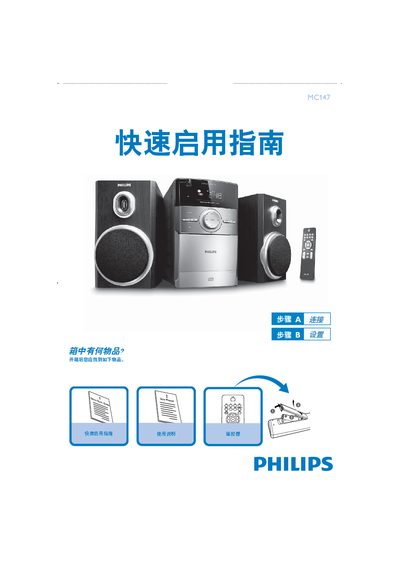
The guide begins with a list of items included in the box and explains how to connect the power cord to an AC outlet and attach speaker cables to the left and right SPEAKERS ports. It also notes that the FM antenna is fixed and does not require a separate connection.
Subsequent sections describe how to insert and play a CD, set the clock in 12‑ or 24‑hour mode, and tune the radio. Usage tips remind users to select a source (e.g., DISC or AUX) before choosing a function on the remote. This manual is written in Chinese.
| Power connection | AC mains |
|---|---|
| Speaker ports | Left and right SPEAKERS ports |
Connect the power cord to an AC outlet.
Press the CLOCK/DISPLAY key for 2 seconds, use PROG to select 12‑hour or 24‑hour mode, adjust hours and minutes with the TUNING keys, and confirm with CLOCK/DISPLAY.
Open the CD tray, insert a disc with the label side up, close the tray, press PLAY to start, and press STOP to stop playback.