
This quick start guide explains how to connect the speakers, set the clock and play CDs.
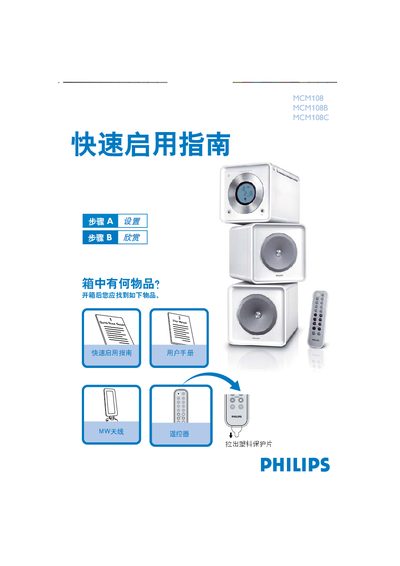
The guide provides step‑by‑step instructions for getting the Philips MCM108 ready for use. It starts with a list of items included in the box and explains how to remove the protective plastic, connect the MW antenna, and plug the unit into AC power.
Key operations such as setting the clock, selecting a radio band, and playing a CD are described with button sequences and visual cues. Tips are included for using the remote control and accessing additional functions. This manual is written in Chinese.
In standby mode press PROG/CLOCK, set the hour with the +/- keys, press PROG/CLOCK again, set the minutes, and confirm with PROG/CLOCK.
Press the OPEN/CLOSE button to open the CD door, insert a disc with the label side up, close the door, then press the play button to start playback.