
The RP-HC101 is a headphone from Panasonic that has noise-canceling capabilities, which can reduce surrounding noise so that you can listen to music more comfortably.
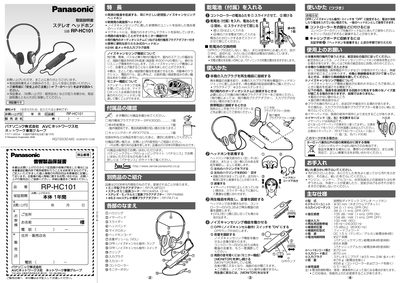
This manual explains safety precautions, how to check the included accessories, and how to install the batteries. It also details the warranty and after‑sales service procedures for the RP‑HC101 headphones.
The guide covers basic operation, the noise‑cancelling feature, monitor mode, ear‑pad replacement, and provides the full technical specifications such as driver size, impedance, sensitivity, frequency response and battery life. This manual is written in Japanese.
| Input impedance | 34 Ω (1 kHz, OPR ON) |
|---|---|
| Sensitivity | 105 dB/mW (1 kHz, OPR ON) |
| Maximum input | 100 mW (IEC) |
| Frequency response | 18 Hz‑24,000 Hz |
| Noise reduction | 15 dB以上 (≈300 Hz) |
| Power source | DC 1.5 V (単4形アルカリ乾電池) |
| Battery life | ≈7 hours (単4形乾電池使用時) |
| Cable length | ≈70 cm |
Set the OPR (Noise‑Cancel) switch to ON; the OPR lamp will light up.
Press and hold the MONITOR button; music is muted and surrounding sounds are heard, and noise‑cancelling stops.
It uses a single 1.5 V AA (単4形) alkaline or manganese battery.