
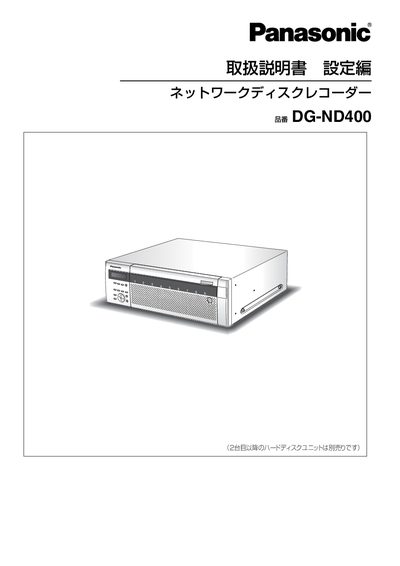
This document is the 'Setting Edition' of the user manual for the Panasonic DG-ND400 Network Disk Recorder. It covers network configuration, PC requirements, and operational details for managing connected IP cameras. The device records video and audio from up to 64 cameras to an internal HDD, with optional additional HDDs. It requires a PC for setup and operation, with specific OS and hardware requirements listed. The manual also details limitations when using MPEG-4 compression, including delays and display artifacts during live viewing, playback, and recording.
The document is structured into four parts: Basic Edition, Setting Edition (PDF), Operation Edition (PDF), and Basic Operation Guide. It includes setup instructions, troubleshooting notes, and compatibility information for software and cameras. Adobe Reader is required to view the PDF files included in the manual. This manual is written in Japanese.
| Maximum Cameras Supported | 64 |
|---|---|
| PC Connection Limit | 16 |
| CPU Requirement | Intel Pentium 4 3.0 GHz or higher |
| Memory Requirement | 1 GB (512 MB for Windows XP) |
| Display Resolution | 1024 X 768 pixels or higher, True color 8-bit or higher |
| Network Interface | 10/100/1000 Mbps |
| Web Browser | Internet Explorer 7.0 Japanese Edition or 6.0 SP2 Japanese Edition |
Up to 64 cameras can be connected via the network.
Up to 64 cameras can be connected.
Up to 16 PCs can be connected, depending on the network environment.
Intel Pentium 4 3.0 GHz or higher is recommended.