
Quick Start Guide, introduces how to connect, set up and use the product, including connecting to TV, setting clock, playing disc and listening to radio
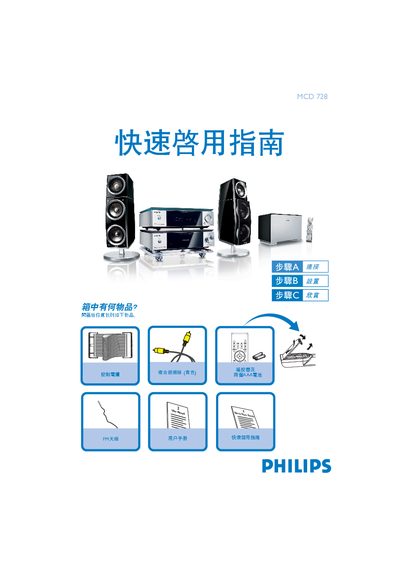
The guide provides step‑by‑step instructions for getting the Philips MCD 728 up and running. It lists the items included in the box and explains how to connect the unit to a TV, speakers, FM antenna and power source.
Key procedures covered include setting the clock, configuring DVD menu options, playing discs, and programming radio stations. Each section includes simple button sequences and notes on troubleshooting common issues such as interlaced‑scan settings. This manual is written in Chinese.
| Remote power source | Two AAA batteries |
|---|
Press the CLOCK button on the remote, adjust the hour with the volume knob or VOL +/- keys, press CLOCK again to set minutes, then press CLOCK once more to confirm.
Press the SOURCE/TUNER button, hold the PROGRAM key for more than two seconds, then use the PRESET +/- keys to store desired stations.