
This document provides an overview of the hardware configuration in SITRAIN automation and industrial solution training, including hardware configuration and parameter assignment, inserting a station, starting the hardware configuration editor, generating hardware setup configuration, S7-300 module addressing, DI/DO addressing in multi-rack configuration, and more. It also discusses actual configuration and parameter assignment, as well as the concept of setup configuration and configuration.
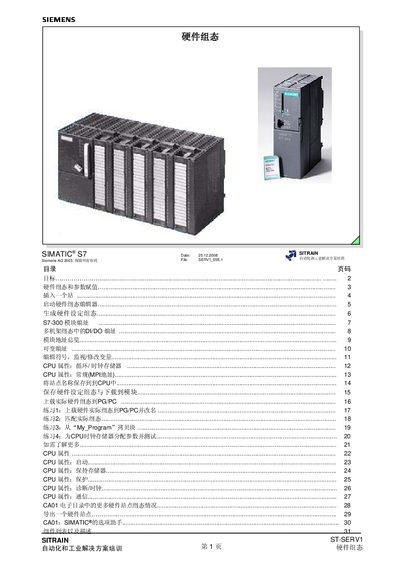
This manual guides users through the hardware configuration process for Siemens SIMATIC S7 systems. It covers creating a project, inserting stations, launching the hardware configuration editor, and generating a hardware configuration that can be downloaded to the PLC.
The document also details module addressing for S7‑300 racks, multi‑rack DVDO addressing, CPU properties, and how to upload or download actual hardware configurations. Exercises and option‑assistant instructions help reinforce the concepts. This manual is written in Chinese.
| Slot range | 1‑11 |
|---|---|
| Supported CPU module | CPU‑300 |
| Power module example | PS‑300 |
In SIMATIC Manager select the hardware station and choose Edit → Open Hardware Config, or double‑click the hardware object icon.
The first address of a module depends on its slot position; for example, a DI module in slot 4 starts at address 0, while a DO module in slot 6 uses address 0.7.
The Option Assistant prepares a STEP 7 hardware configuration file for import by defining project name, properties, and selecting the appropriate configuration file.