
FDCL181 Isolation Module is used to detect and isolate short circuits in the FD18-Bus circuit and prevent multiple branches from failing simultaneously due to short circuits. The isolation module has 2 4-way terminals that connect the module to the detection bus. The yellow LED indicator indicates the short circuit isolation status.
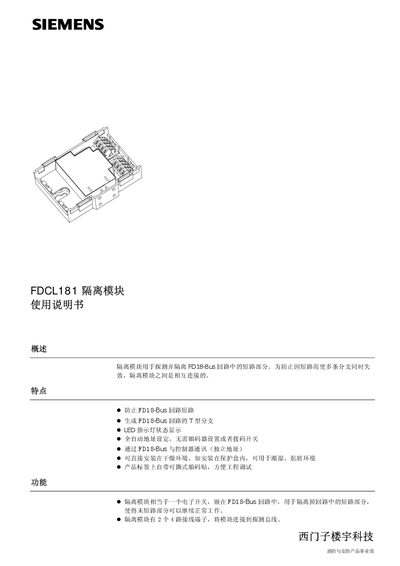
The FDCL181 isolation module is an electronic switch that detects and isolates short‑circuit sections in an FD18‑Bus circuit, preventing multiple branches from failing. It features LED status indicators, automatic address setting, and communication with controllers via the FD18‑Bus.
The manual covers module features, LED indicator meanings, installation methods (including use of the FDCH221 protective box for wet environments), wiring diagrams, mechanical dimensions, performance specifications, and ordering information. This manual is written in Chinese.
| Working voltage | 12–32 VDC |
|---|---|
| Static current | 0.25 mA |
| Action current | 0.43 mA |
| Working temperature range | -10 °C to +42 °C |
| Storage temperature range | -20 °C to +75 °C |
| Relative humidity | ≤95 % rel. |
| Communication protocol | FD18‑Bus |
| Terminal cross‑section | 1.0–1.5 mm² |
| Weight | 0.054 kg |
It detects and isolates short‑circuit sections in the FD18‑Bus circuit to keep non‑faulted branches operating.
Up to 32 load factors can be connected between two isolation modules in a loop configuration.
A flashing yellow LED on port A shows that isolation action is occurring on that side of the module.
The FDCH221 protective box must be used to achieve IP65 protection in humid or wet conditions.