
This is the user manual of PF810 digital photo frame, which introduces the product features, usage methods, installation methods and so on.
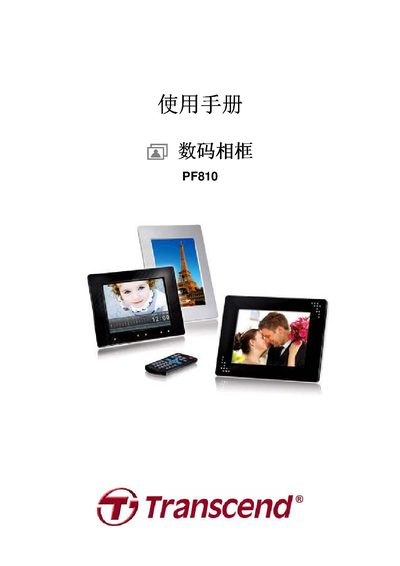
This manual covers everything you need to get started with the Transcend PF810 photo frame, including unpacking, connecting power and antenna, inserting flash memory cards or USB drives, and using the built‑in speaker, headphone jack, and remote control. Detailed sections describe each function such as photo, video, music, broadcast, calendar, and settings, as well as system requirements for Windows, Mac, and Linux.
The guide also includes safety precautions, cleaning instructions, data backup recommendations, troubleshooting steps for common issues, full product specifications, ordering information, and warranty terms. This manual is written in Chinese.
| Screen size | 8" 4:3 TFT LCD |
|---|---|
| Resolution | 800 x 600 pixels |
| Built‑in memory | 2 GB |
| Speaker power | 1.5 W per channel (L/R) |
| Input voltage | 100 ~ 240 V 0.3 A |
| Output voltage | 5 V DC 2.0 A |
| Dimensions | 230 mm × 180 mm × 31 mm |
| Supported photo formats | DSC JPEG, BMP |
| Supported video formats | Motion JPEG, MPEG‑1/4, AVI, MOV, MPG, MP4, 3GP |
| Supported audio formats | MP3, WMA, WAV |
| FM broadcast band | 87.5 ~ 108.0 MHz (global) |
Check that the power adapter is plugged into a 100‑240 V outlet and that the DC power cable is securely connected to the frame. If the frame still does not power up, verify the power switch on the back of the unit and replace the adapter if necessary.
Make sure the frame is connected to a USB port on the computer, try a different USB port, and ensure the computer’s USB ports are enabled. Re‑insert the USB cable and confirm the frame is powered on before checking the computer’s device manager.
Files cannot be deleted directly on the frame. Connect the frame to a computer via the USB cable and delete the unwanted files from the flash drive or internal memory using the computer.