
This document is the user manual for JABRA STREET2 headphones, which introduces the features, usage methods, wearing methods, and troubleshooting of the headphones.
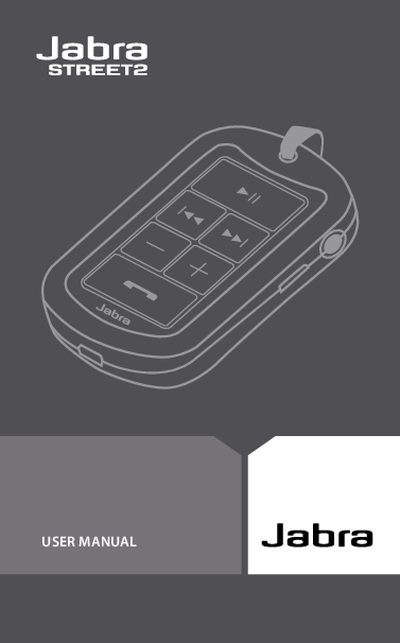
This manual provides step‑by‑step instructions for using the Jabra STREET2 Bluetooth earphone. It covers initial setup, charging the built‑in battery, turning the device on and off, and pairing with a mobile phone.
Additional sections describe how to wear the earphone, use the control buttons for calls and music, interpret LED indicators, troubleshoot common issues, and understand warranty and safety certifications.
| Talk time | up to 8 hours |
|---|---|
| Standby time | up to 230 hours |
| Music playback time | up to 7 hours |
| Weight | < 30 g |
| Working range | 10 m (≈33 ft) |
| Bluetooth version | 2.0 + EDR |
Connect the earphone to an AC power adapter and plug it into a wall outlet; the LED will flash green while charging and stay solid green when fully charged.
When you first turn on the earphone it automatically enters pairing mode, indicated by a continuously blue LED.
A flashing green LED means the earphone is charging, solid green means fully charged, yellow indicates about 70 % battery remaining, and red signals low battery.
Press the “answer/end call” button until the LED flashes to turn it on; hold the same button until the LED flashes again to turn it off.