
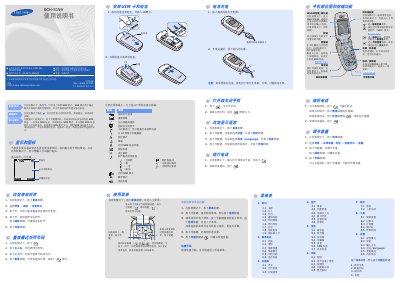
The Samsung SCH-S159 is a mobile phone with a clamshell design. The manual describes the phone's parts and key functions, installation of the UIM card and battery, charging, basic call operations, volume adjustment, and menu navigation.
It also explains special modes such as SSR (Simple Smart Ring), silent mode, and SOS mode. The menu structure includes call logs, contacts, scheduler, display settings, messaging, sound settings, entertainment, tools, and system settings. Text input methods cover Pinyin, stroke, English, smart English, symbols, and numbers. A hazardous substances table and regulatory information are provided. This manual is written in Chinese.
| Regulatory certification (CMII ID) | 2006CP1212 |
|---|---|
| Network access license | 02-5431-061503 |
| Environmental protection use period | 20 years |
Remove the battery cover and battery, insert the UIM card, then reinstall the battery and cover.
Plug the supplied travel charger into the phone and an AC outlet; unplug when charging is complete.
In standby, press Menu, select Messages → New message, enter text, choose options, enter destination number, and press Send.