
Samsung SyncMaster 710V/910V/510M/710M/910M/712V User Manual

Instruction manual, introduces the installation, cleaning and maintenance of the monitor
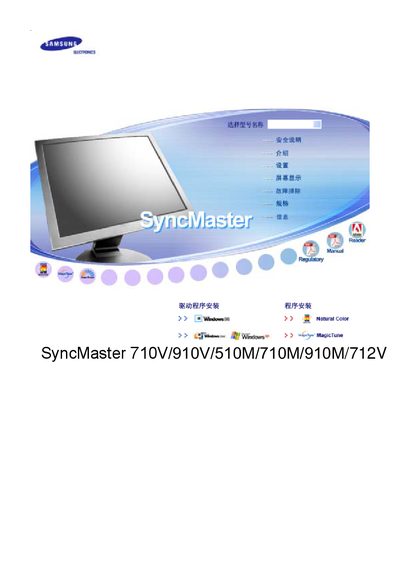

Samsung SyncMaster 710V/910V/510M/710M/910M/712V User Manual - cover page
Brand
Samsung
Category
Monitor
Document type
User Manual
Language
Chinese
Pages
66
File format
PDF
File size
5.6 MB
Published
03 October, 2011
Updated
30 September, 2023
Models
510M, 710M
MD5 checksum
C3ED30CCD745F7D223B4BFF87ED05957

About this manual

This manual provides safety warnings, installation steps, and proper handling instructions for Samsung SyncMaster monitors (models 710V, 910V, 510M, 710M, 910M, 712V). It explains how to connect power and signal cables, use the OSD menu, and adjust display settings.

Additional sections cover cleaning procedures, recommended operating conditions, and technical specifications such as supported resolutions and refresh rates. Contact information for regional service centers is also included. This manual is written in Chinese.

What's inside

  • Safety Precautions
  • Installation
  • Power and Signal Connections
  • OSD Menu Operation
  • Brightness and Contrast Adjustment
  • Cleaning and Maintenance
  • Technical Specifications
  • Service and Warranty Information
Download PDF (5.6 MB)

More Samsung Manuals


View all Samsung manuals →