
This document describes the features and characteristics of the Digimax 300 digital camera, including its accessories and software. It includes two digital cameras, USB interface drivers, and instructions for operating the computer connected to the USB interface.
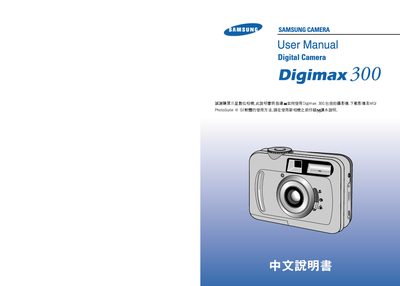
This manual explains how to set up and operate the Samsung Digimax 300 digital camera. It covers basic functions such as taking photos, recording video, using the LCD menu, inserting batteries and SD cards, and connecting the camera to a computer via USB.
Safety warnings, battery handling, power‑adapter specifications, and troubleshooting FAQs are also provided to ensure safe and reliable use of the camera. This manual is written in Chinese.
| Battery type | SBP-3603, 3.3 V |
|---|---|
| Power adapter | 3.3 V, 2.0 A |