
This user manual introduces the features and functions of the SGH-X508 mobile phone, including call history, phonebook, applications, browser, messages, file manager, calendar, alarm clock, and settings. It also includes instructions for installing SIM card and battery, charging the battery, adjusting volume, changing incoming call ringtone and volume, and redialing the most recent number.
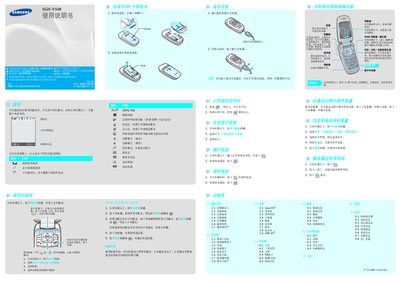
This manual explains how to use the SGH‑X508 mobile phone. It covers basic operation such as entering standby mode, making calls, managing contacts, sending messages, and navigating the various menus.
Additional sections describe how to adjust display and sound settings, use the WAP browser, select input methods, and safely handle the battery and accessories. Safety warnings and battery specifications are also included. This manual is written in Chinese.
| Talk time | ≈ 3.4 hours |
|---|---|
| Standby time | ≈ 170–275 hours |
From standby mode press a soft key to open the main menu, select the dialing function, enter the area code and phone number, then press the call key.
Use only Samsung‑approved batteries and chargers; using non‑Samsung accessories can damage the phone and be hazardous.
Open the contacts menu, choose “添加新联系人”, and follow the prompts to enter the contact’s details.