
This document is an operating instruction and settings guide for the RICOH 2035e/2045e printer. The document provides information on safety, getting started, combined function operations, document server user tools, troubleshooting, entering text, security specifications, and more.
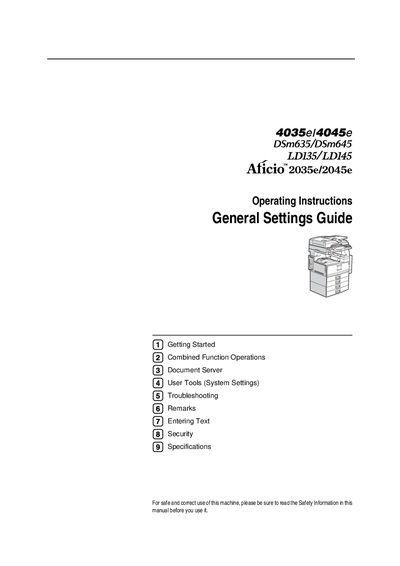
This manual covers getting started, combined function operations, document server usage, system settings, troubleshooting, safety information, and specifications for the Ricoh Aficio 2035e/2045e. It also includes details on optional accessories, network configuration, and LDAP server settings.
Additional sections describe paperless fax transmission, network scanning, and the use of bundled utilities such as DeskTopBinder V2 Lite and ScanRouter V2 Lite, helping users manage documents and integrate the machine into office workflows.
| Power Source | 220‑240 V, 50/60 Hz, 8 A or more |
|---|---|
| Laser Class | Class 1 |
| Laser Diodes | Two GaAlAs diodes, 5 mW, 760‑800 nm wavelength |
| Functions | Copier, facsimile, printer, scanner |
It requires a 220‑240 V, 50/60 Hz power source with a current rating of 8 A or higher.
The device is classified as a Class 1 laser, safe for office use, but direct eye exposure can cause damage.
It offers copier, facsimile, printer, and scanner functions.
Use the Internet Fax Transmission feature by specifying the recipient’s e‑mail address.