
This document is an operation manual that provides detailed instructions and precautions for the 2051/2060/2075 models. The document includes safety information, getting started guide, combination function operations, document server, user tools, system settings, troubleshooting, specifications, and introduction.
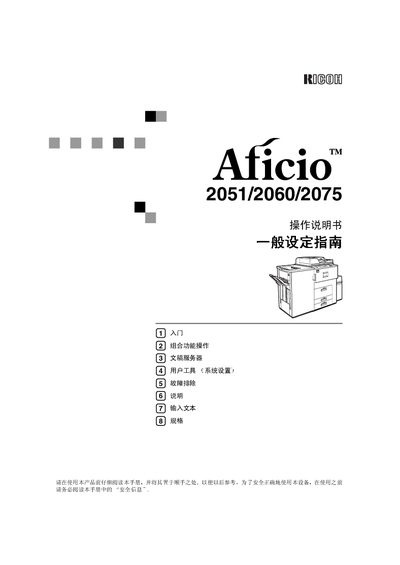
The Aficio 2051/2060/2075 series is a multifunction device that can copy, print, and scan documents. It includes optional accessories such as a document feeder and binding unit.
This manual covers safety precautions, system configuration, operation of copy, print, and scan functions, network setup, document server usage, and troubleshooting steps. It also provides specifications and maintenance guidelines. This manual is written in Chinese.
| Power Supply | 220‑240 V, 50/60 Hz, 10 A or higher |
|---|---|
| Maximum Power Consumption (Model 1) | ≤ 275 W |
| Maximum Power Consumption (Model 2) | ≤ 290 W |
| Scanning Resolution | 600 dpi |
| Printing Resolution | 1200 dpi |
| Copy Speed (Model 1, A3L) | 30 pages/min |
It requires a 220‑240 V, 50/60 Hz power source with a minimum current rating of 10 A.
The scanner can capture images at 600 dpi.
The printer can output at a resolution of 1200 dpi.