
This is an instruction manual for a digital photo frame, which introduces how to install the stand, connect the power supply, connect the storage device, use the digital photo frame to play photos, videos, music, etc.
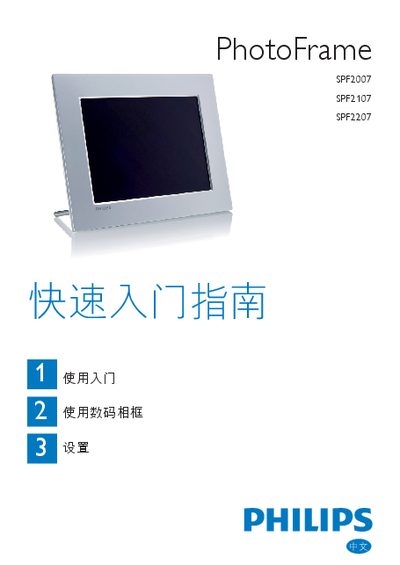
The guide explains unpacking, installing the stand, connecting the AC‑DC power adapter, inserting a supported storage device, and powering on the frame. It also details the button functions for navigating menus and starting slideshows.
It then covers basic operation such as displaying JPEG photos, playing M‑JPEG AVI videos and MP3 music, using collage and background‑music modes, adjusting language, time, auto‑sleep settings, and creating event reminders. This manual is written in Chinese.
| Power supply | AC‑DC power adapter |
|---|---|
| Supported storage media | Compact Flash, SD, SDHC, MMC, MMC+, xD, Memory Stick, Memory Stick Pro (with adapter), USB flash drive |
| Supported photo format | JPEG |
| Supported video format | M‑JPEG (*.avi) |
| Supported audio format | MP3 |
| LCD screen | Non‑touch |
The frame supports Compact Flash, SD, SDHC, MMC, MMC+, xD, Memory Stick, Memory Stick Pro (with adapter) and USB flash drives.