
This document is a user manual for Philips 497P9H 49-inch 4K UHD ultrawide curved display
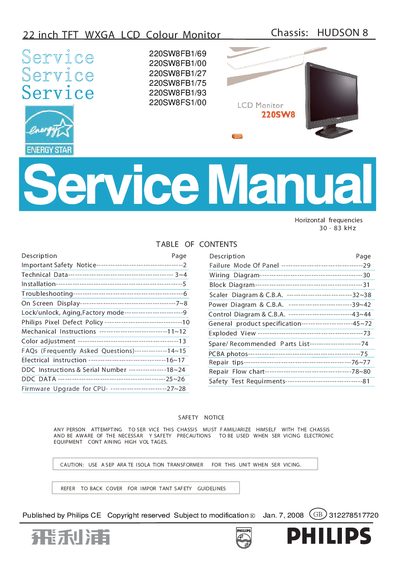
This service manual covers the Philips 220SW8 22‑inch TFT WXGA LCD monitor, offering detailed instructions for safe servicing, installation, and repair. It includes safety notices, wiring and block diagrams, on‑screen display (OSD) settings, and a comprehensive parts list.
Key sections include safety precautions, technical specifications, troubleshooting, repair flow charts, and DDC/firmware upgrade procedures, helping technicians diagnose issues, replace components, and ensure compliance with safety tests.
| Display size | 21.995 inches (558.673 mm) diagonal |
|---|---|
| Aspect ratio | 16:10 |
| Color depth | 16.7 M colors (RGB 6‑bits + FRC) |
| Backlight type | CCFL edge‑light |
| Contrast ratio | 1000:1 (typ), 700:1 (min) |
| White luminance | 300 cd/m² (center, typ) |
| Response time | 5 ms (rise/fall, typ), 10 ms (max) |
| Power consumption | 45 W (typ), 1 W standby |
Ensure the power cord is plugged into both the outlet and the monitor, verify the power button is on, and confirm the computer is turned on and the signal cable is properly connected.
Use the On‑Screen Display (OSD) menu to adjust the brightness and contrast settings.
Use an isolation transformer, wear an ESD wrist strap, avoid high temperature and humidity, and use only original manufacturer replacement parts listed in the parts list.