
This document is a user manual for PX330CK1A Ck digital piano, which introduces the parts description, installation, setting saving, power socket, and other aspects of the digital piano.
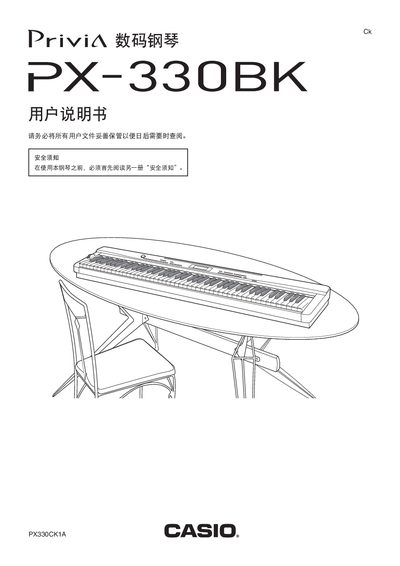
This manual covers safe operation of the Casio PX-330BK digital piano, describing the layout of controls such as volume, tempo, tone selection, and function buttons. It also explains how to connect accessories like headphones, sustain pedals, and external amplifiers.
A detailed MIDI implementation chart, USB device modes, SD card slot usage, and warranty terms are included to help users get the most out of the instrument and maintain it properly. This manual is written in Japanese.
| Model | PX-330BK |
|---|---|
| Power Supply | DC 12 V |
| USB Device Mode | Supported |
| SD Card Slot | Present |
| MIDI Implementation Version | 1.0 |
Insert the headphones into the PHONES jack after setting the volume low.
Connect the pedal to the DAMPER PEDAL or SOFT/SOSTENUTO PEDAL jack.
Use the SAVE/LOAD function to store songs on the internal memory or SD card.
Select a different tone using the TONE (REGISTRATION) control.