
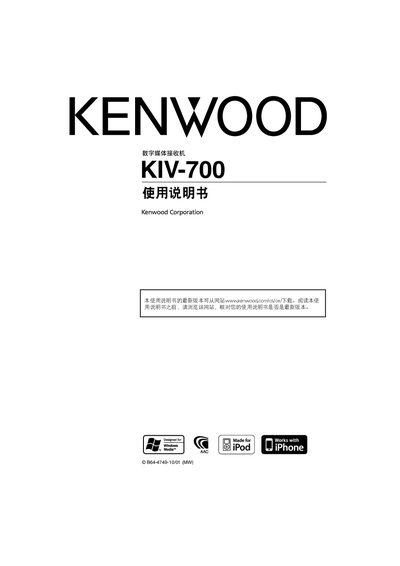
Kenwood KIV-700 Digital Media Receiver User Manual


Kenwood KIV-700 Digital Media Receiver User Manual - cover page
Brand
Kenwood
Category
Audio-Video Decoder
Document type
User Manual
Language
Chinese
Pages
64
File format
PDF
File size
1.6 MB
Published
23 September, 2011
Updated
29 September, 2023
MD5 checksum
C0F40CBD578CC2816BEDA210470AB60B

About this manual

Kenwood KIV-700 digital media receiver user manual. It explains the unit's controls and general operation, including source selection, volume, menu navigation, iPod/iPhone playback, and USB device or internal memory playback.

The manual also covers display and clock settings, optional Bluetooth settings, remote control operation, phone functions, installation and removal, and troubleshooting. This manual is written in Chinese.

What's inside

  • Before use
  • Names and functions of parts
  • General operation
  • iPod/iPhone operation
  • USB device/internal memory operation
  • Audio adjustment
  • Display settings
  • Bluetooth settings (optional)
  • Installation and removal
  • Troubleshooting

Frequently asked questions

How do I cancel demo mode on the Kenwood KIV-700?

When the display shows "To Cancel DEMO Press the volume knob" (about 15 seconds), press the volume knob, turn it to select "YES", then press it.

How do I reset the unit?

Press and hold the SRC button for 3 seconds or more while pressing the volume knob and MENU button.

How do I safely remove an iPod?

Press the || button for 2 seconds or more; the unit enters USB REMOVE mode, then remove the iPod.

Download PDF (1.6 MB)

More Kenwood Manuals


View all Kenwood manuals →