
This is a manual for configuring hardware and communication connections using the Siemens STEP 7 software. It introduces methods for describing hardware configurations using STEP 7 projects, as well as for establishing data exchange between automation systems.
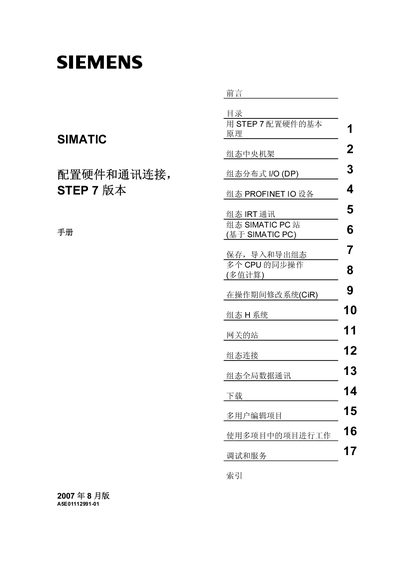
The manual provides a complete overview of the steps required to configure hardware and communication connections with STEP 7. It is intended for engineers and qualified personnel who use SIMATIC S7 automation systems.
It covers basic configuration principles, central rack setup, distributed I/O, PROFINET devices, IRT communication, PC stations, saving and exporting projects, CPU synchronization, and global data communication, along with troubleshooting and service information. This manual is written in Chinese.
| Order number | 6ES7810-4CA08-8BW0 |
|---|---|
| Document number | A5E01112991-01 |
| STEP 7 software version | 5.4 |
| Publication date | August 2007 |
It provides a complete overview of the steps required to configure hardware and communication connections using STEP 7 software.
Technical support can be obtained by contacting a Siemens representative or partner, or via the Siemens support website.
The order number is 6ES7810-4CA08-8BW0.
It applies to STEP 7 version 5.4.