
Panasonic KX-FT318CN fax machine user manual
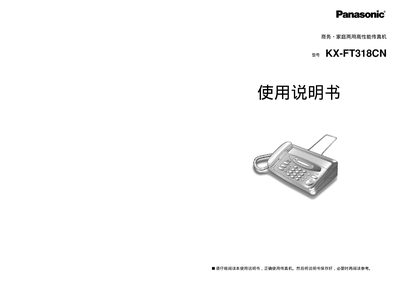
The guide provides safety precautions, correct usage instructions, and detailed descriptions of each part and its function. It also covers how to install thermal recording paper, connect telephone lines, and configure settings such as dialing mode and date/time.
Additional sections describe fax transmission, copying, voice‑mail features, and troubleshooting steps for common issues like paper jams or white lines on the recorded paper. Technical specifications and power consumption details are listed for reference. This manual is written in Chinese.
| Power consumption (sending) | ≈ 18 W |
|---|---|
| Power consumption (receiving) | ≈ 30 W |
| Standby power consumption | ≈ 3.5 W |
| Dimensions (without protruding parts) | 154 × 314 × 245 mm |
| Supported record paper sizes | B4 257 mm × 30 m, A4 210 mm/216 mm × 30 m |
| Transmission speed | 9600/7200/4800/2400 bps (auto switch) |
Open the operation panel, ensure the cutter is left of the green line, then insert B4 or A4 thermal paper with the printable side facing up.
The fax consumes approximately 18 W during sending.
Select the function key, press 013, then choose the pulse option as described in the manual.
Clean the scanning glass and white base plate with a soft cloth; if needed, use a mild detergent solution.