
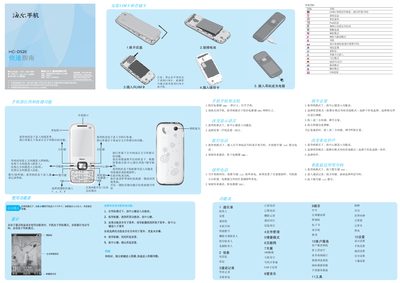
This guide explains how to power the HC-D520 on and off, insert SIM/UIM cards, navigate the main menu, and use common functions such as calls, messaging, and media playback. It also covers shortcut keys, input methods for Chinese and English, and how to manage contacts, files, and settings.
Additional sections describe battery charging, safety precautions, SAR radiation limits, and customer service contact information. The document includes tips for using the phone in various environments, such as airplanes and industrial settings, and provides troubleshooting advice for PIN/PUK lockouts. This manual is written in Chinese.
| Maximum SAR | 0.474 W/kg |
|---|---|
| Battery Charge Cycles | Several hundred cycles |
Press and hold the power key for more than one second to turn the phone on.
The phone will be locked and you must enter the PUK code to unlock it.
Press the up or down direction keys to increase or decrease the volume.