
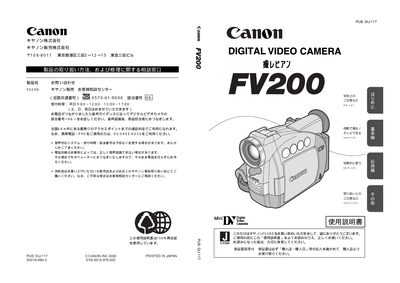
This manual introduces the FV200 camera, its accessories, and safety precautions. It lists the supplied items such as the remote controller, lens cap, battery pack, AC adapter, and various cables, and explains how to prepare the camera for use.
The guide covers basic and advanced operation, including recording modes, playback, menu navigation, LCD adjustments, and connecting the camera to external devices via AV or DV cables. It also provides troubleshooting tips, warranty information, and service contacts. This manual is written in Japanese.
| Battery pack model | SS-800 |
|---|---|
| Remote controller batteries | 2× AA dry cells |
| Button cell for camera | CR2025 |
| AC power adapter model | CA-560 |
| Stereo video cable model | STV-250N |
The remote controller uses two AA dry cells.
Use the DV cable model CV-150F or CV-250F.
Only the specified Canon charger should be used; other chargers may cause overheating or damage.
LP mode records 1.5 times longer than standard mode but may cause noise or audio dropouts.