
This document is the operation manual for the LC-26GA4H model of SHARP LCD color television. The manual provides detailed instructions on installation, usage, tuning, and function settings of the product.
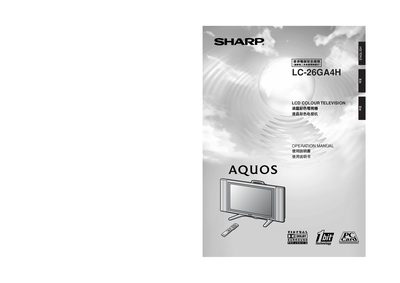
This manual covers safety precautions, unpacking, and installation of the Sharp LC-26GA4H LCD colour television, including wall‑mounting, stand removal, and battery insertion for the remote control. Detailed sections explain basic connections, antenna setup, audio‑video inputs, and how to adjust picture and sound settings.
Additional chapters provide troubleshooting tips, factory reset procedures, and a full list of technical specifications such as screen size, resolution, brightness, power consumption, and supported video standards. This manual is written in Chinese.
| Screen size | 26 inches |
|---|---|
| Resolution (pixel count) | 3,147,264 pixels (1366 × 768) |
| Brightness | 450 cd/m² |
| Power consumption | 118 W (2 W standby) |
| Weight (without speakers/stand) | 11.5 kg |
| Audio output power | 10 W per speaker |
| Supported video standards | PAL, SECAM, NTSC |
| Input connectors | DVI‑I, RCA, 3.5 mm audio jack, RS‑232C |
Turn the TV off with the POWER button, wait about one minute, then press and hold the RESET button while turning the POWER button back on. All settings (except channel presets) will be restored to the factory defaults.
The remote control uses two AAA‑type batteries that are supplied with the TV.
Yes, the TV can be wall‑mounted using the optional AN‑26AG1 wall‑mount bracket, but installation must be performed by qualified service personnel.
The TV requires an AC power source of 220 V, 50 Hz as indicated on the power label.