
This is a user manual for olympus E-1 camera, which introduces the camera's various features and characteristics, including shooting and playback operations, button and menu functions, focusing and exposure settings, etc.
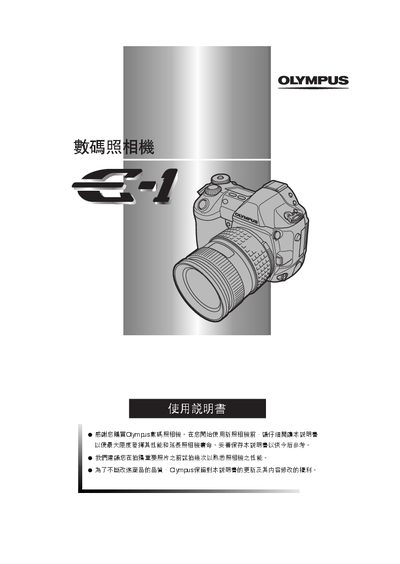
This manual covers everything you need to know to start using the Olympus E-1 digital camera, from safety information and component identification to basic shooting and playback fundamentals. It explains how to install the battery, attach the strap, mount lenses, and adjust the viewfinder.
Detailed sections describe button functions, menu navigation, focusing modes, exposure settings, image quality options, flash usage, printing schedules, and how to transfer images to a computer. The guide also includes troubleshooting tips, maintenance procedures, and technical specifications. This manual is written in Chinese.
See the "傳送圖像至電腦" section (pages 143‑150) for details on connecting the camera via USB or IEEE1394 and downloading files.