
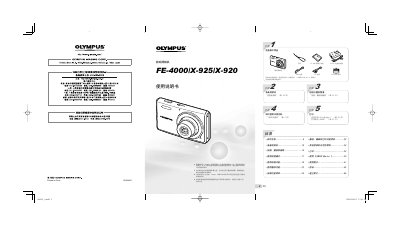
This manual provides operating instructions for the Olympus FE-4000, X-925, and X-920 digital cameras. It guides users through initial preparation, including battery charging and memory card installation, as well as shooting and playback operations.
The document details various camera functions, menu settings for shooting and playback, printing options via PictBridge and DPOF, and the use of the OLYMPUS Master 2 software. This manual is written in Chinese.
| Battery | LI-42B lithium-ion battery |
|---|---|
| Battery Charger | LI-41C |
The battery should be charged until the charging indicator light goes out, which can take up to 2 hours.
Charge the battery when the 'Insufficient remaining power' error message appears on the top right of the LCD screen.