
Toshiba B-EP2DL/EP4DL portable printer user manual. Introduces how to use the printer safely, precautions, etc.
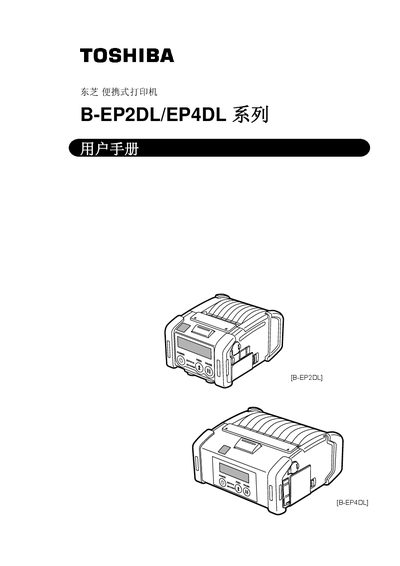
This user manual covers the Toshiba B‑EP2DL and B‑EP4DL series portable printers. It includes safety warnings, component identification, and detailed operating procedures for printing, wireless communication, and battery management.
Key sections describe battery installation and removal, power‑on procedures, LCD panel functions, wireless Bluetooth and Wi‑Fi options, and full technical specifications such as print speed, resolution, and environmental limits. This manual is written in Chinese.
| Power source | Lithium‑ion battery 7.4 V 2600 mAh |
|---|---|
| Print speed | Maximum 105.0 mm/s |
| Resolution | 8 dots/mm (203 dpi) |
| Effective print width | 48.0 mm (B‑EP2DL) / 104.0 mm (B‑EP4DL) |
| Operating temperature | -15 °C to 50 °C |
Only the Toshiba‑designed lithium‑ion batteries listed for each series, such as B‑EP802‑BT‑QM‑R for the B‑EP2DL series and B‑EP804‑BT‑QM‑R for the B‑EP4DL series, may be used.
Press and hold the POWER button for a few seconds until the LCD shows “ONLINE”.
Some models include Bluetooth (TEC‑BTM‑R) and IEEE 802.11b/g Wi‑Fi (SD‑Link 11g).
The printer can print up to 105.0 mm per second under optimal conditions.